
How to use Untimer
A session from the first hold to the break, and the 4 screens around it. This guide covers each control and what it does.
Read the articleArticle
Holding the hourglass for 2.5 seconds makes the start of a session a decision. This article gives the research behind the hold. It also explains how the hold works with each kind of input.
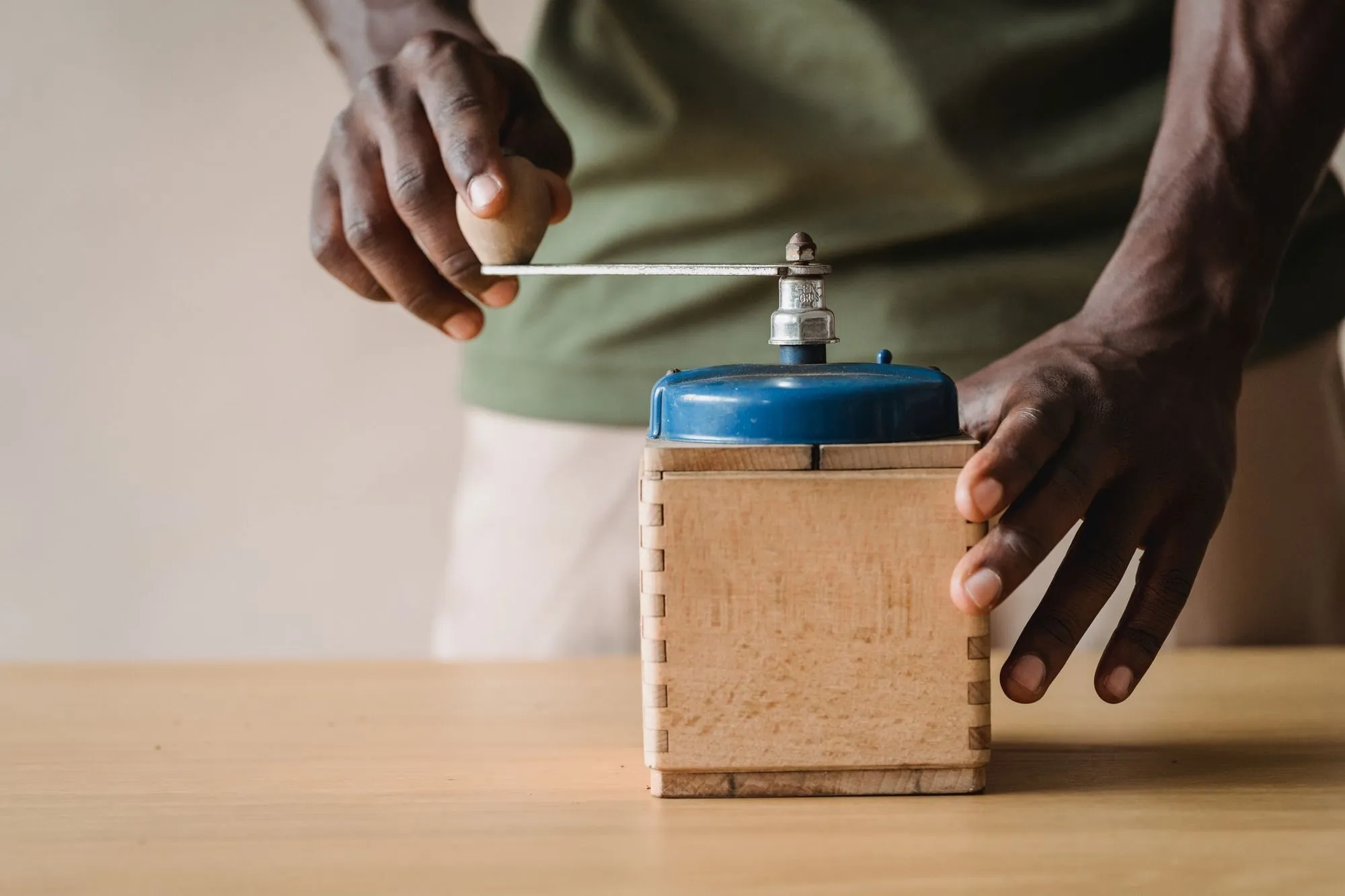
You hold the hourglass for 2.5 seconds to wind it up. The session starts when you let go and runs for 25 minutes. A click does not start a session. If you let go early, the hourglass unwinds and no session starts. The hourglass on the front page of this site winds the same way. It runs a real 25 minute session in your browser.
The research on procrastination puts the trouble in the first minute of a task. In 2007 Steel found that people put a task off more when its reward is far away. In 2013 Sirois and Pychyl described putting a task off as a short repair of mood. The task makes you feel bad, so you swap it for something that feels better. Both findings are about the moment of starting. Neither is about how hard you try. Why starting work is hard covers this research in full.
Most timers have a start button. Pressing it is free, so it carries no weight. You can press it while you are still deciding. You can press it and walk away. The timer has started and you have not.
Winding takes 2.5 seconds of steady pressure. You cannot do it by accident or halfway. By the time you let go you have decided to begin. The hold gives the task weight. You are more invested in a session you wound up yourself. You are also more likely to follow through.
The research on plans points the same way. In 2006 Gollwitzer and Sheeran combined 94 tests with more than 8,000 participants. Planning when and where you will act helped people start. The effect was strongest for starting a goal. The hold turns your plan into a moment. You start this task now, for 25 minutes.
The wind sets the same 25 minutes each time. Early versions let the wind pick the length, and you watched the number instead of feeling the spring. Now the one decision left at the start is whether to begin.
After 0.2 seconds the spring engages. For the next 2.5 seconds the hourglass pushes back against you. Sand lifts into the top of the hourglass as the spring winds. The word under the hourglass changes as you go. It reads Hold to start at rest. It reads Keep holding while the spring winds and Let go once the spring is full.
A ratchet clicks 24 times along the spring. The clicks get further apart as the spring fills. Their pitch drops the way a real mechanism gets heavier the further you wind it. When the spring is full the clicks end.
When you let go at the end, the start bell sounds and the session starts. Peach sand runs from the top of the hourglass into sage at the bottom. Peach shows time left and sage shows time used.
If you let go before the spring is full, it unwinds and the sand pours back. No session starts and the unwinding is silent. In the app a click shows the words Hold it under the hourglass for a moment.
The hold is the start the founder wanted after years of using a timer for his work. Its feel comes from 4 settings. They are the same on each screen and each device.
On a keyboard, hold Enter or Space on the hourglass. Let go when the word says Let go. If your system asks for reduced motion, the ratchet is silent. The hold still lasts the full 2.5 seconds.
For a day we built a shortcut beside the hourglass. It was a tap to start for people in a hurry. People reached for the shortcut and left the hourglass alone. The wind means something because it stands on its own. So we took the shortcut out.
The other controls in Untimer are ordinary buttons that take one press. A break starts with a press because rest is there for the asking.
Switch access, voice control and a screen reader in browse mode can activate a control but cannot hold one. For them there is a separate action called Wind the hourglass up for me. It stays out of sight until it has focus. It performs the same wind with the same 2.5 seconds and the same ratchet. Then the session starts.
Untimer makes the ratchet in the browser. The pitch of each click follows how far the spring is wound, so the clicks stay in step with the sand. A bell plays when you let go and the session starts. Bells also play when a session ends and when a break ends. Between the start bell and the end bell the session runs in quiet.
Letting go early is silent. It is an ordinary thing to do, and Untimer marks no failure with a sound. The sound switch turns all of it off. It sits in plain sight in the rail on a wide screen and in the top bar on a narrow one.
How to use Untimer walks through a session from the wind to the break.

A session from the first hold to the break, and the 4 screens around it. This guide covers each control and what it does.
Read the article
Untimer counts a day in 25 minute sessions of the same size. Here is what a session records and how the day is drawn. It also shows what changes when you count in sessions and stop guessing in hours.
Read the article